Take a Photo and Transform It
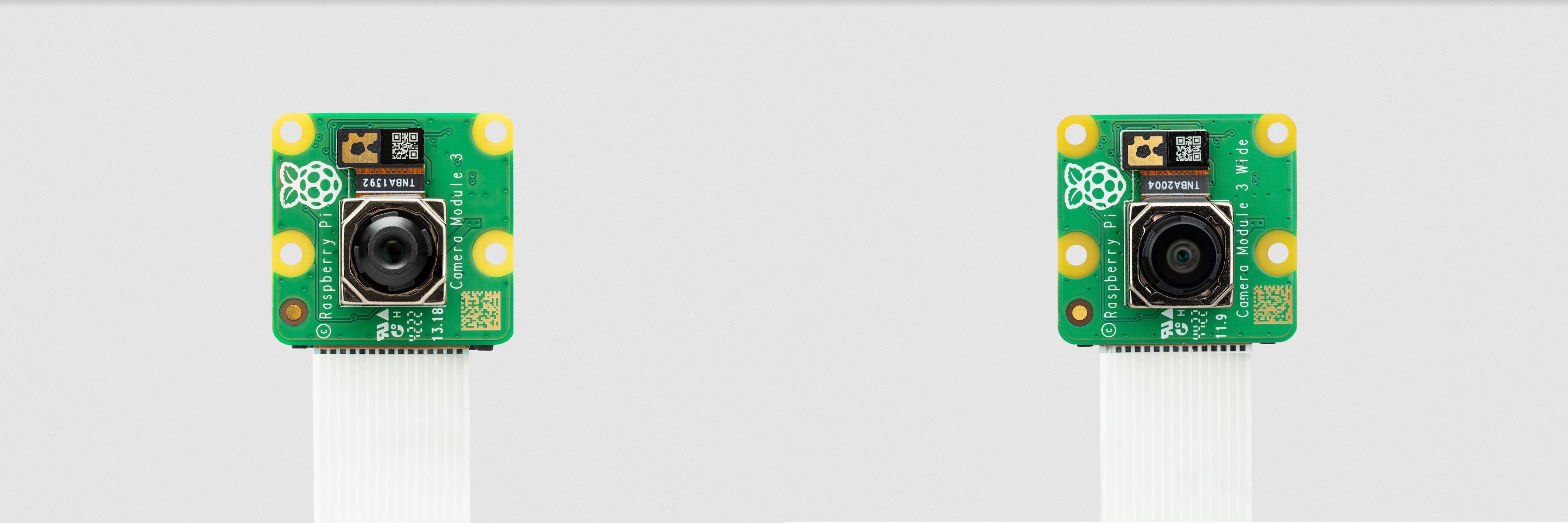
This lambda captures a still frame using a Raspberry Pi camera on a remote edge device, then runs it through a WASM based transform to convert it to grayscale, right at the source of the signal.
The On Prem CLI is used to demonstrate manually triggering the lambda and taking delivery of the image from a remote desktop.
graph LR;

cli --> control_plane;
control_plane <-- tunnel --> agent;
agent --> camera;
agent <-- transform --> grayscale_wasm;

subgraph user_edge[User Edge]
cli[CLI];
end

subgraph cloud[Cloud <small>api.on-prem.net</small>]
control_plane[Control Plane];
end

subgraph device_edge[Device Edge]
agent[Agent];
camera[Camera];
grayscale_wasm[grayscale.wasm];
end
Note that manually triggering a lambda is unusual in that it requires device connectivity to the control plane. A more typical scenario is where Lambdas and their Controller's run loops run autonomously at the device edge, regardless of the device's connectivity to the control plane.
Build the Transformer WASM Module
First follow the instructions in the WASM/Image Transforms example
to build a grayscale.wasm file and deploy it as a lambda to the control plane.
Deploy the Lambda to take a photo
Next deploy a lambda that takes the photo, then hands it off to the previously deployed chained lambda that will convert it to grayscale.
# rpi_capture_image_and_transform.yaml
id: d6mqiirhedqt4h0aec10
kind: Lambda
name: rpi_capture_image_and_transform
description: >
  Capture a still frame from a Raspberry Pi camera, then transform it to grayscale.
runAt:
  device:
    deviceId: ci2fabp32ckvhk1g9qe0
chainedLambdaId: d6hl1qhkun569e9bu6v0
scriptContentType: Lua
script: >
  local M = {}

  function M.handler(event, context)
    local filename = os.tmpname()
    os.execute('rpicam-jpeg --nopreview -o ' .. filename)
    local file = io.open(filename, 'rb')
    local event = {
      data = file:read('*a'),
    }
    io.remove(file)
    return event
  end

  return M
$ onprem apply rpi_capture_image_and_transform.yaml
Uploading import request...
Import complete
Operations performed:
┌────────────────────────┬─────────┬──────┬─────────┬─────────┬────────┐
│ Object                 ┆ Records ┆ Adds ┆ Updates ┆ Deletes ┆ Errors │
│ ---                    ┆ ---     ┆ ---  ┆ ---     ┆ ---     ┆ ---    │
│ str                    ┆ u32     ┆ u32  ┆ u32     ┆ u32     ┆ u32    │
╞════════════════════════╪═════════╪══════╪═════════╪═════════╪════════╡
│ ApiKeys                ┆ 0       ┆ 0    ┆ 0       ┆ 0       ┆ 0      │
│ Controllers            ┆ 0       ┆ 0    ┆ 0       ┆ 0       ┆ 0      │
│ ControllerTemplates    ┆ 0       ┆ 0    ┆ 0       ┆ 0       ┆ 0      │
│ Devices                ┆ 0       ┆ 0    ┆ 0       ┆ 0       ┆ 0      │
│ Facilities             ┆ 0       ┆ 0    ┆ 0       ┆ 0       ┆ 0      │
│ Lambdas                ┆ 1       ┆ 1    ┆ 0       ┆ 0       ┆ 0      │
│ LambdaTemplates        ┆ 0       ┆ 0    ┆ 0       ┆ 0       ┆ 0      │
│ Roles                  ┆ 0       ┆ 0    ┆ 0       ┆ 0       ┆ 0      │
│ Tags                   ┆ 0       ┆ 0    ┆ 0       ┆ 0       ┆ 0      │
│ Teams                  ┆ 0       ┆ 0    ┆ 0       ┆ 0       ┆ 0      │
└────────────────────────┴─────────┴──────┴─────────┴─────────┴────────┘
It will now show up in the cloud console.
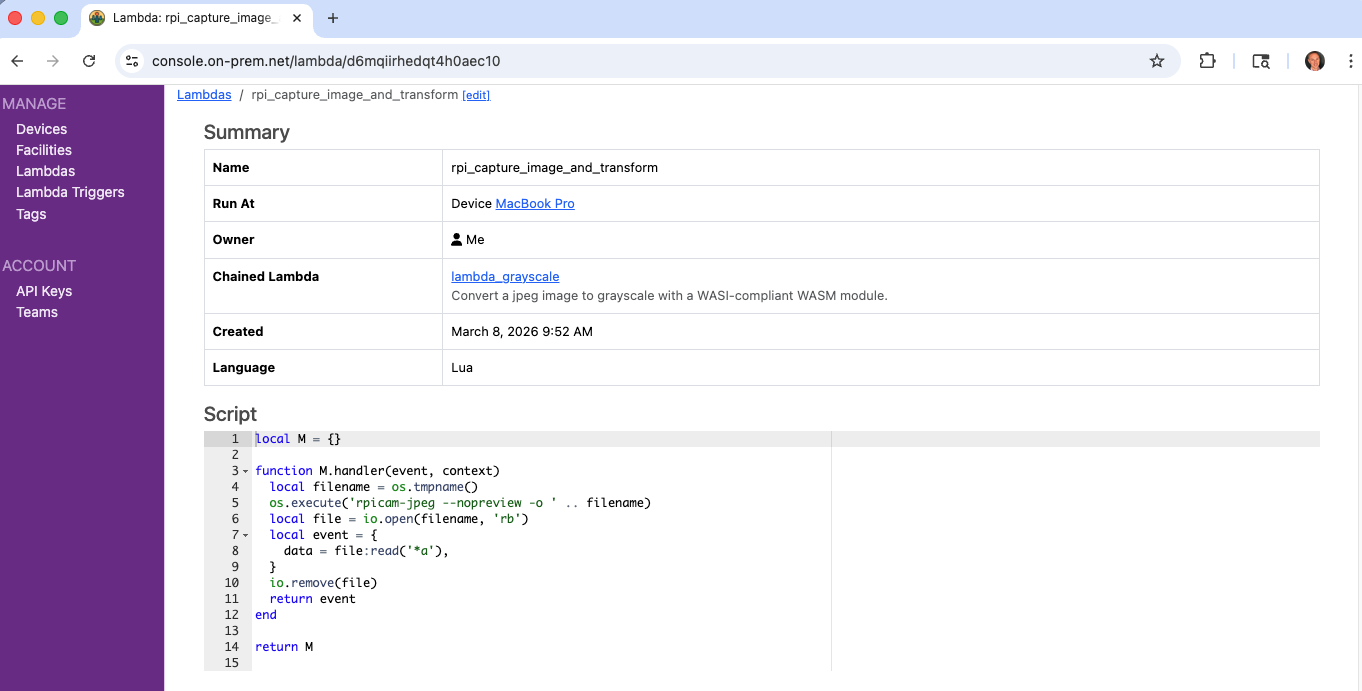
Invoke it
The CLI can display the returned event as JSON, which is inefficient:
$ onprem run lambda d6mqiirhedqt4h0aec10
{"data":[...much raw data...]}
But it can also pluck the data field out of the returned JSON, which is efficient and does not involve JSON
parsing. This is because agents return event data fields separately for efficient transport encoding.
$ onprem run lambda d6mqiirhedqt4h0aec10 --event-data-to-file out.jpeg
Wrote event[data] to out.jpeg (371.0K)

$ open out.jpeg